
Members
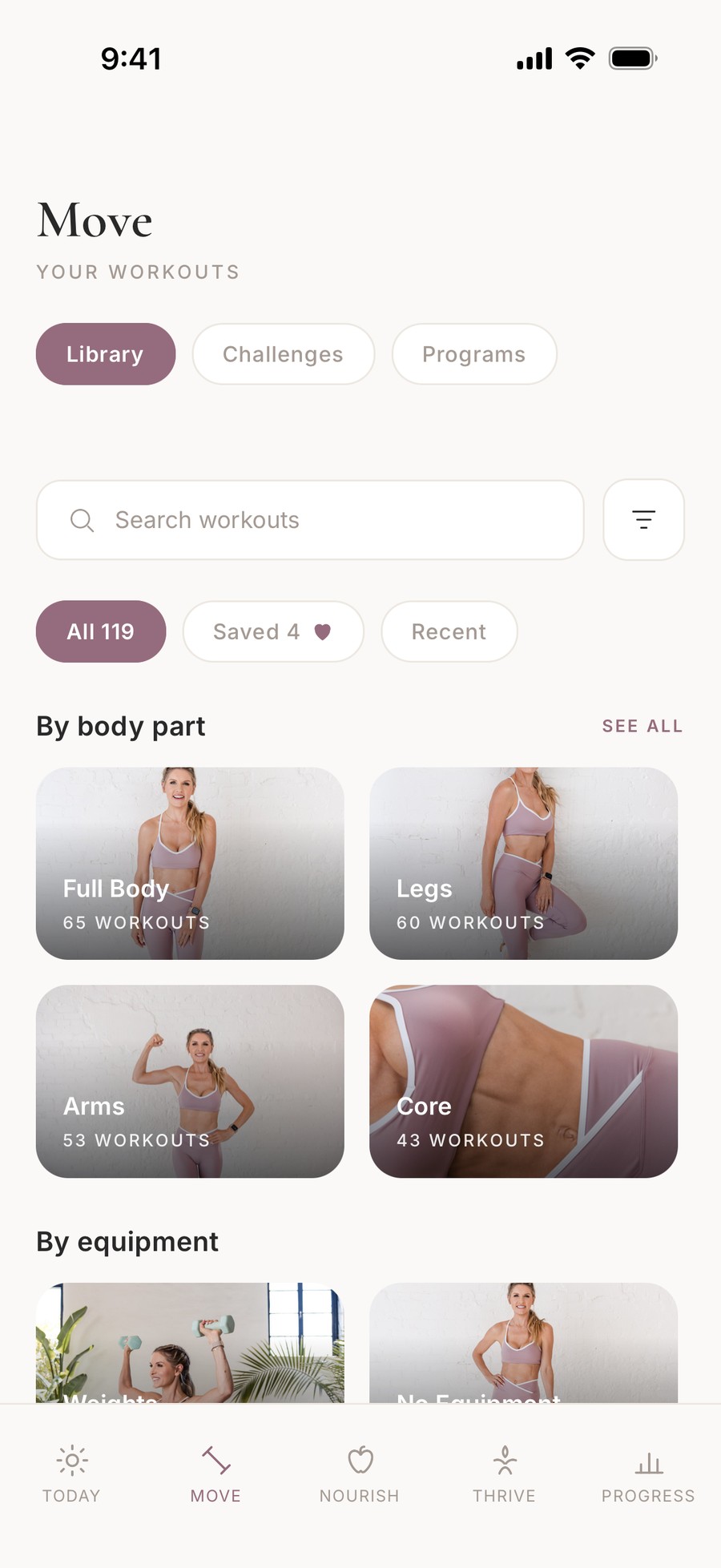
Open the BURN app
Get the app, then sign in with the email you joined with (). Your membership unlocks automatically.


On your computer?
Scan with your phone camera to download BURN. It opens the right store for your phone.
- Install BURNTap your store above, or search “BURN Rebecca Louise”.
- Tap Sign inNot “Create account”. Your account was made when you joined on the website.
- Use your membership email and passwordThe email and password you created when you joined. Forgot the password? Tap “Forgot password” on the sign-in screen.
- Finish setting upRight after you sign in, the app asks a few quick questions: your stage and your goal, then a photo and your birthday (you can skip those). Your membership is already unlocked.
Paid with a different email?
Your membership sits on the email you joined with. If you’re signed in to the app with another email, you’ll see the free version.
- Sign out and sign in again with the email from your welcome email or receipt.
- Still stuck? Email customerservice@rebecca-louise.com with both emails and we’ll link them for you.